
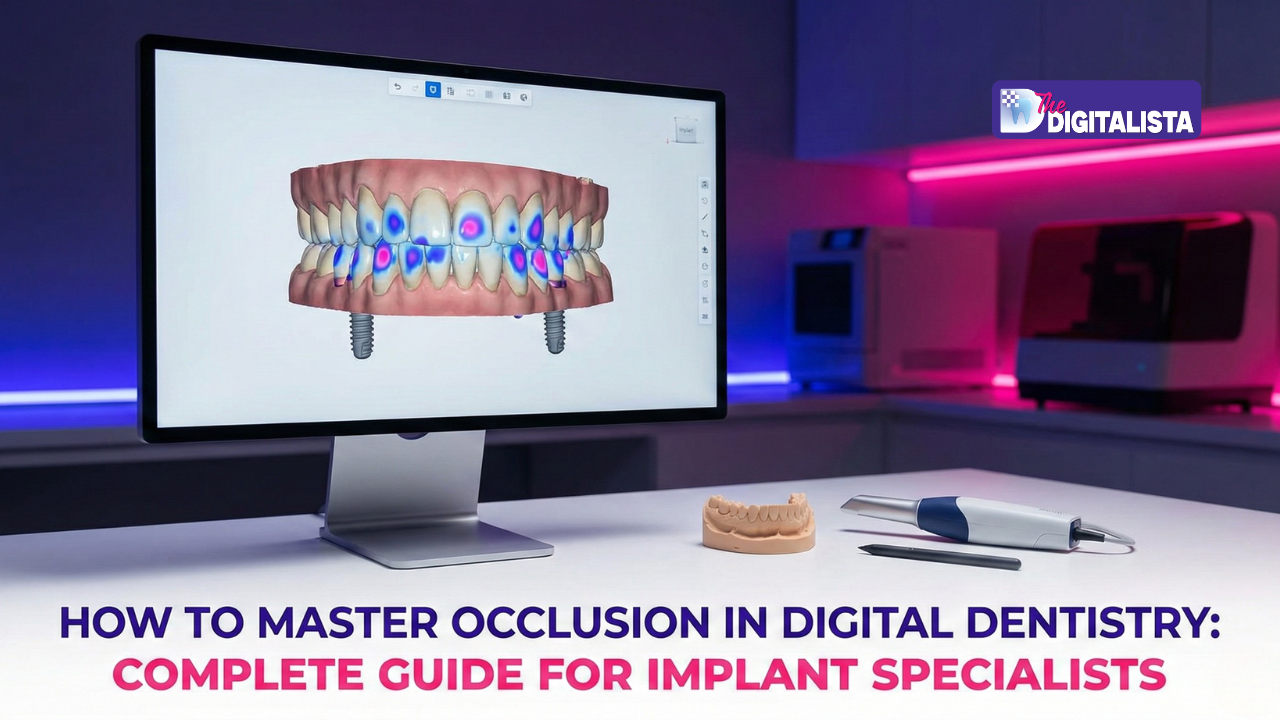
A Practical, Digital Guide to Occlusion That Actually Protects Your Implants
You’ve been there. The implant is stable. The prosthesis fits beautifully. Contacts look even on articulating paper. And yet… the screw loosens. The patient feels a vague discomfort they can’t explain. Bone levels start to change — quietly, slowly, expensively.
This is one of the most frustrating moments in implant dentistry. Not because you did something wrong — but because traditional occlusion tools don’t show you what actually matters.
Implant failures are rarely about placement alone; they are about forces you can’t see, feel, or predict without data.
Up to 70% of mechanical implant complications are linked to unmanaged occlusal forces. Not infection. Not hygiene. Force. This guide is for clinicians who are done guessing and ready to control implant occlusion with clarity, confidence, and digital precision.
The Biomechanical Reality: Why Implants Behave Differently

Natural teeth have a safety net: the periodontal ligament (PDL). It absorbs shock, senses overload, and protects the system. Implants don’t. An implant is fused directly to bone, meaning every occlusal force goes straight to the bone–implant interface. No buffer. No warning signal.
Here’s the critical mismatch:
•A patient can feel “fine” while the implant is already overloaded.
•Bone loss can start before any clinical symptoms appear.
•Comfort does not equal safety in the world of implants.
That’s why implant occlusion fails quietly — until it doesn’t.
Why Articulating Paper Keeps Letting You Down
Articulating paper answers only one question: “Where is the contact?” It fails to tell you how strong the force is, which tooth hits first, how long the force lasts, or what happens during lateral movement.
Dark marks don’t mean heavy force, and timing matters more than color.
Adjusting by paper alone often creates premature contacts, lateral overload, and repeated “fine-tuning” appointments that lead to fractures, chipping, and screw loosening. You’re essentially adjusting blind.d paper cannot measure either.
Digital Occlusion Changes the Question Entirely
Digital occlusal analysis doesn’t ask where it touches; it asks:
•When does it touch?
•How hard is the contact?
•For how long does the force persist?
•Who carries the load?
Tools like T-Scan convert occlusion into measurable data, providing insights into force percentages, contact timing, Occlusion Time (OT), and Disclusion Time (DT). Once you can measure it, you can control it.

The 4 Most Common Occlusal Errors in Implant Cases
Digital success hinges on eliminating the subtle, frustrating failures that accumulate into significant delays and remakes.
1.Force Without Timing:
An implant may not be the strongest contact, but if it’s the first contact, it takes the hit. Early force is destructive force.
2.The “Patient Feels Fine” Trap:
Patients don’t feel implant overload early because natural teeth intrude first and mask the problem.
3.Ignoring Lateral Forces:
Most implant failures are lateral, not vertical. If posterior implants stay in contact during excursions, you’re loading them in the worst possible direction.
4.Trusting CAD Without Clinical Verification:
Your design may be perfect digitally, but mouths are not virtual articulators. Clinical verification is non-negotiable.
A Simple, Repeatable Digital Occlusion Protocol
To move from chaos to calm authority, you need a structured plan. This 4-step protocol ensures quality is built into every stage.

Step 1: Record Before You Adjust
Seat the patient upright and capture closure into MIP along with right and left excursions. Look for an Occlusion Time (OT) target of < 0.2 sec, and analyze the force distribution and first point of contact.
Step 2: Adjust What the Data Highlights
Reduce only high-force, early contacts and re-scan after each adjustment. Aim for a balanced force distribution (approximately 50/50 right–left). In mixed dentition cases, ensure implant force is slightly lower than natural teeth — balanced, not hypo-occluded.
Step 3: Control Lateral Movement
Posterior implants should disengage quickly. Target a Disclusion Time (DT) of < 0.5 sec. Adjust the guidance specifically, rather than random cusps.
Step 4: Re-check After Adaptation
Re-scan at a 1-week follow-up. Muscles adapt and occlusion changes; data keeps you ahead of these shifts.
Real Case Snapshot: One Contact, One Failure
Consider a 62-year-old patient with a full-arch zirconia maxilla and natural mandibular dentition. Despite articulating paper showing “heavy” marks everywhere, the patient experienced repeated screw loosening and left-side discomfort.
T-Scan revealed the hidden truth:
•One implant carried 12% of the total force and hit first.
•The left side carried 65% of the total load.
•Posterior contacts remained active during lateral movement.
After digital adjustment, the force distribution was balanced, occlusion time was reduced by 77%, and disclusion time was normalized. The result? No further screw loosening. The failure wasn’t random; it was measurable and fixable.
Best Practices That Separate Good From Great
•Always assess the opposing arch: Occlusion is a two-way street.
•Deprogram before final scans: Ensure you’re capturing the true relationship.
•Trust force data over paper color: Data doesn’t lie; ink can.
•Polish after every adjustment: Maintain the integrity of the material.
•Re-check annually: Wear and tear change everything over time.
The Bigger Shift: From Adjustment to Control
Implant dentistry has moved beyond intuition. Occlusion is no longer something you “feel into place”; it’s something you design, verify, and protect. When force is controlled, bone stays stable, screws stay tight, and your work lasts.
Frequently Asked Clinical Questions
Is articulating paper obsolete?
No. It marks location after digital force identification. It is secondary — not primary.
Should implants be slightly out of contact?
No. Hypo-occlusion is outdated thinking. Aim for controlled, balanced force — not avoidance.
Does digital occlusion replace articulators?
No. Articulators design ideal relationships. Digital systems verify real-world performance.
Can digital force analysis reduce porcelain fracture?
Yes. Balanced force and reduced disclusion time significantly decrease micro-fracture risk.
Your Next Step
Ready to stop chasing marks and start delivering predictable results?
Explore Digitalista’s advanced training on digital occlusal integration.
Learn how to integrate T-Scan data with CAD workflows clearly and practically. Or book a complimentary workflow consultation to see where force is leaking from your cases. Because predictable implants start with predictable occlusion.
Book a complimentary workflow assessment and identify where force may be compromising your cases. Because implant stability is not accidental, it is engineered.
